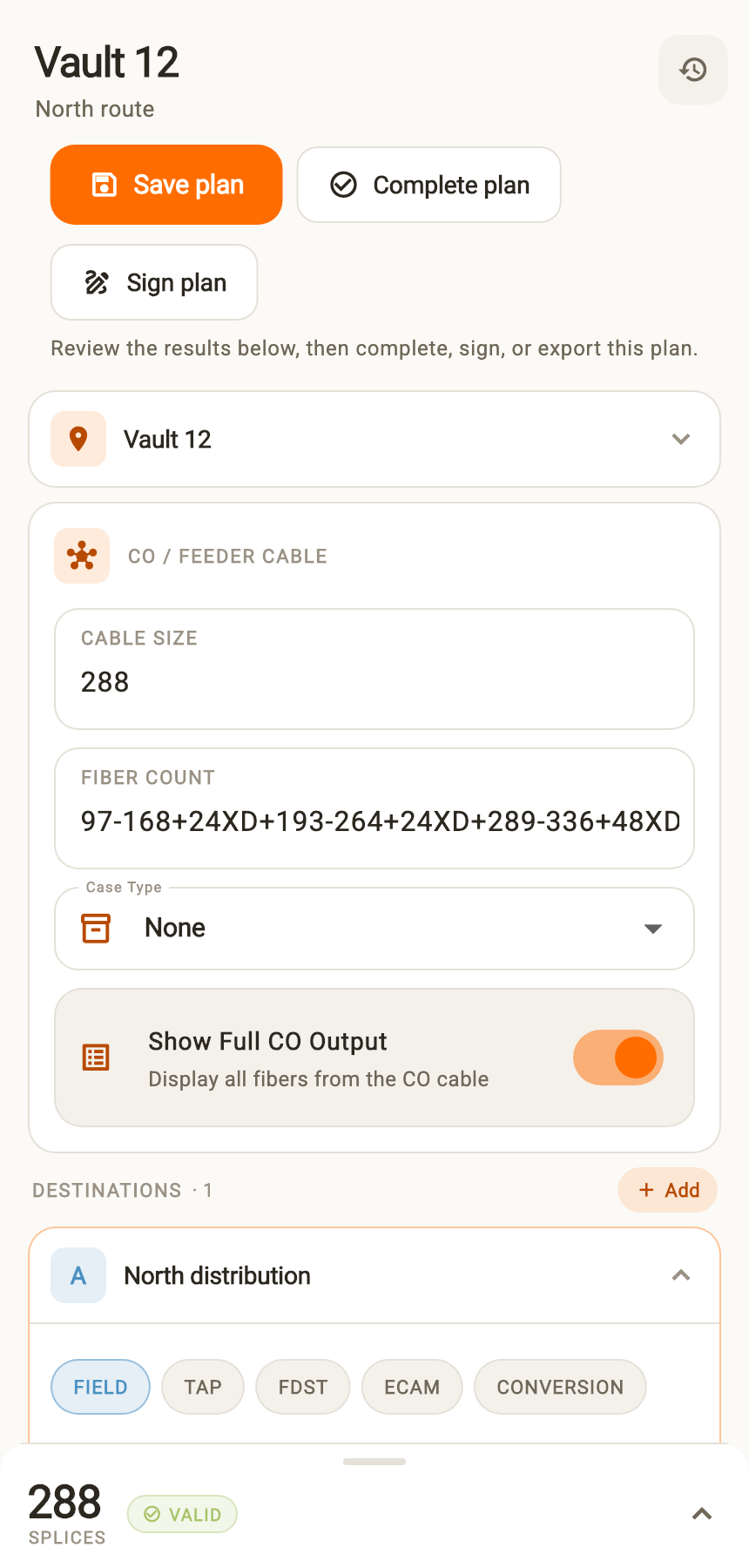
Start with the cable.
Enter your CO cable and destinations to build a color-coded splice plan. Use templates when the next job follows a familiar pattern.
For fiber optic technicians
Turn cable details into a clear splice plan. Keep your crew’s work together. Hand over a record you can stand behind.
Use Fiber Color Code in your browser. No download needed.
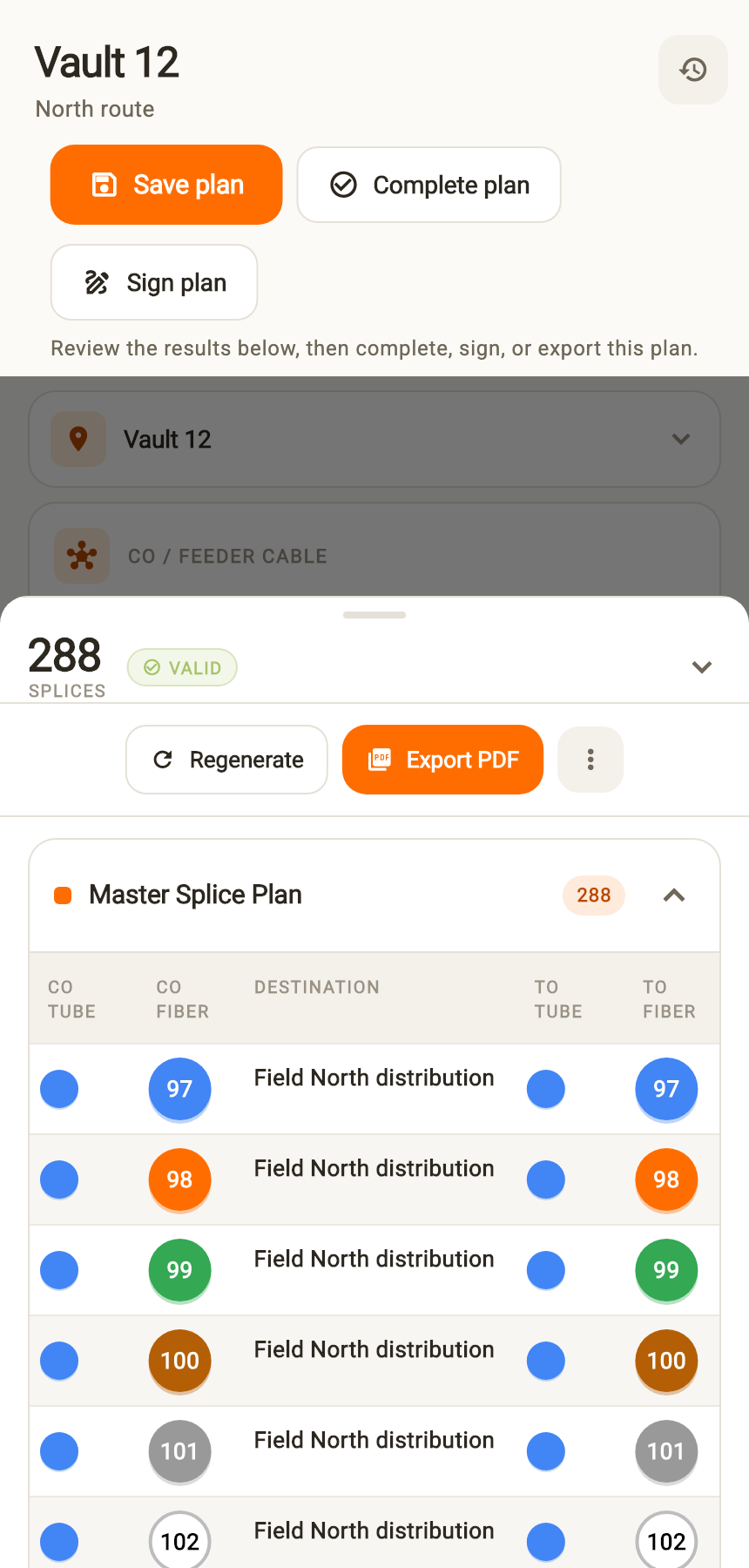
From planning to handover
A clearer way to work
The splice plan is just the start. Keep the job’s details together through the work and into the handover.
Enter your CO cable and destinations to build a color-coded splice plan. Use templates when the next job follows a familiar pattern.
Organize plans in shared workspaces, assign work orders, and record job details. Work with locally saved records and sync when you reconnect.
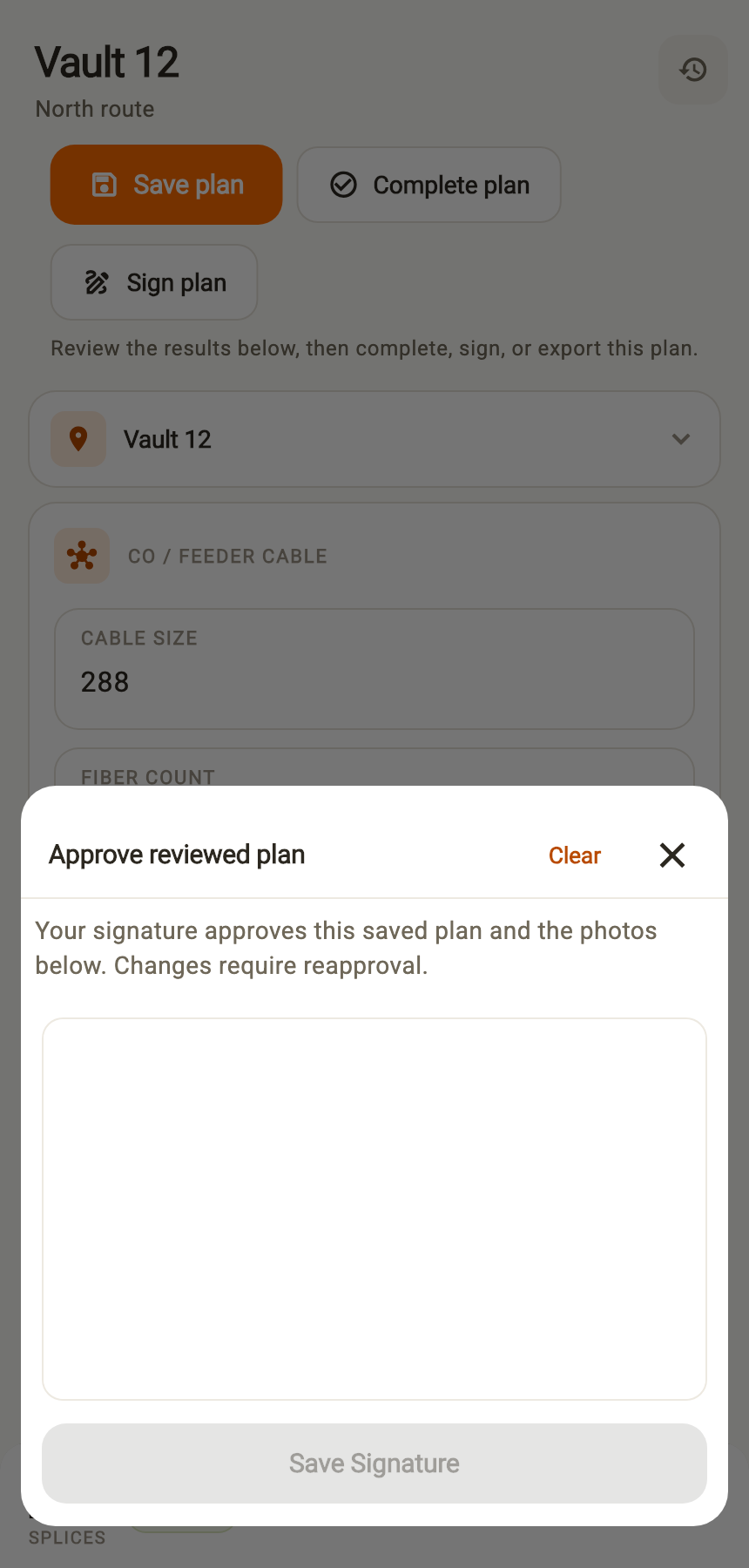
Attach photos, capture a signature, and export the work. Give your customer an as-built they can keep and your crew a record they can return to.
Built in the field, for the field
Fiber Color Code is made for the people making connections, coordinating crews, and delivering the finished job.
Bring fiber assignments, plan details, and job photos into one place. Keep color names alongside the colors, so every connection has a clear reference.
Organize work orders and shared plans, assign the work, and keep job records connected to the team doing it.
Export plans as PDF or CSV and work orders as signed as-built PDFs. Your records stay useful beyond the app.
Your next job, better documented
Open Fiber Color Code in your browser to access your workspace.